
Settings
Open the settings view using the settings tab in the header (route /settings). Settings are stored locally in your browser; json-tool never sends your data to a server.
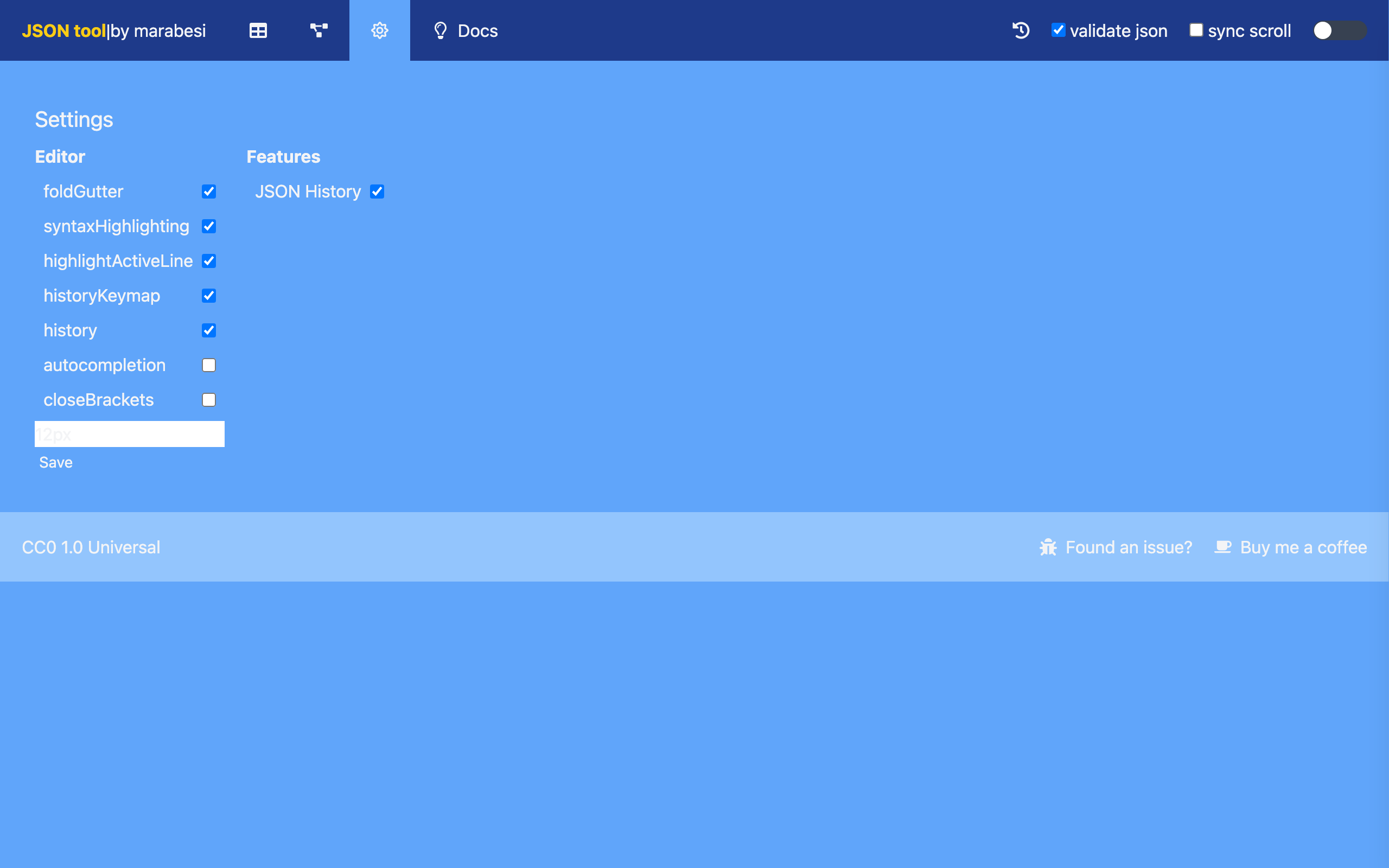
Editor
Configure the CodeMirror editor with the following options:
| Option | Description |
|---|---|
| foldGutter | Show the fold gutter to collapse regions of the document |
| syntaxHighlighting | Highlight the JSON syntax |
| highlightActiveLine | Highlight the line that has the cursor |
| historyKeymap | Enable the history key bindings (undo/redo) |
| history | Keep the undo/redo history |
| autocompletion | Enable autocompletion |
| closeBrackets | Close brackets automatically |
The font size input controls the size of the text in the editors (12px by default).
Click Save to persist the changes. Editor changes take effect in the editors on the home, table and shape views.
The indentation (the number of spaces used when formatting) is changed from the right toolbar in the editor, not in the settings.
Features
| Option | Description |
|---|---|
| JSON History | When enabled (default), json-tool keeps a history of the JSON you have used and shows the history button in the header. The drawer lets you send an entry back to the editor or copy it. |
Feature changes are applied immediately, without requiring Save.